Custom phone case artwork: a checklist before requesting a quote
Prepare a clear print brief with device variants, artwork placement, color expectations and approval steps for a custom case inquiry.
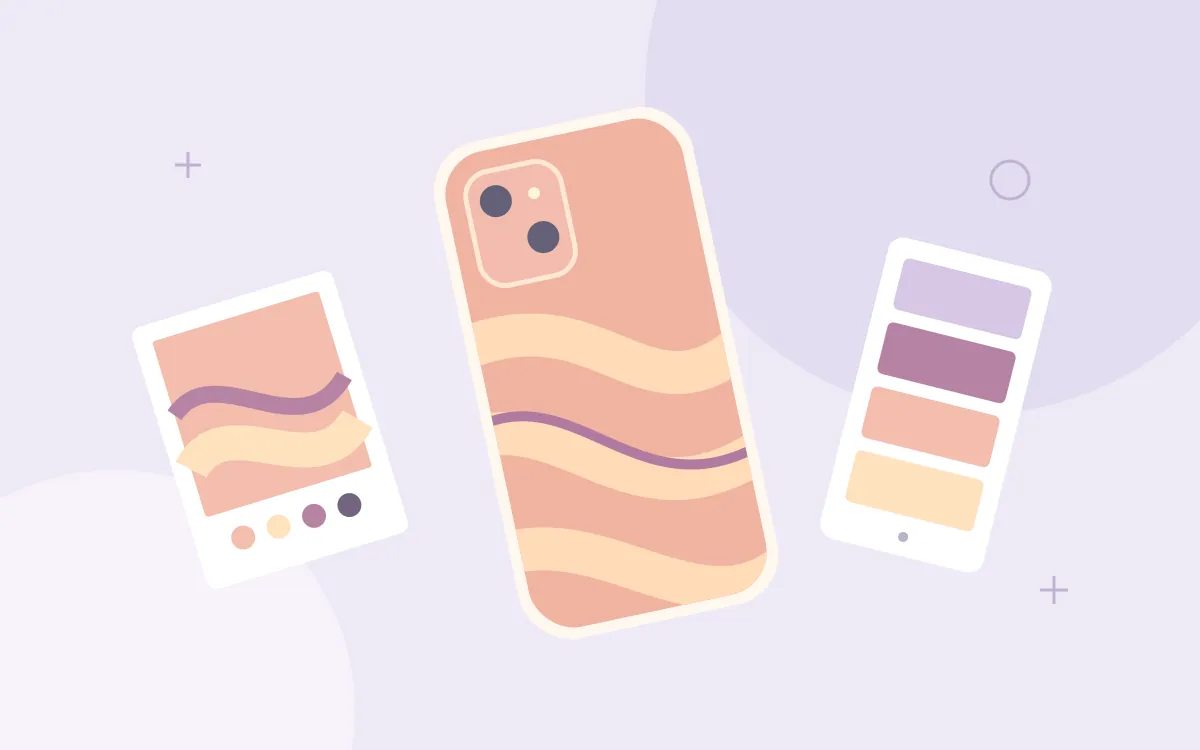
A successful custom case begins with a clear brief. A logo that looks balanced on a flat screen may sit too close to a camera opening when placed on a case. Before discussing quantities or decoration methods, identify what must remain recognizable and which details can change. The checklist below helps organize a quotation request. It does not imply that every case supports every printing method or that a production result has already been approved.
Identify the case and every variant
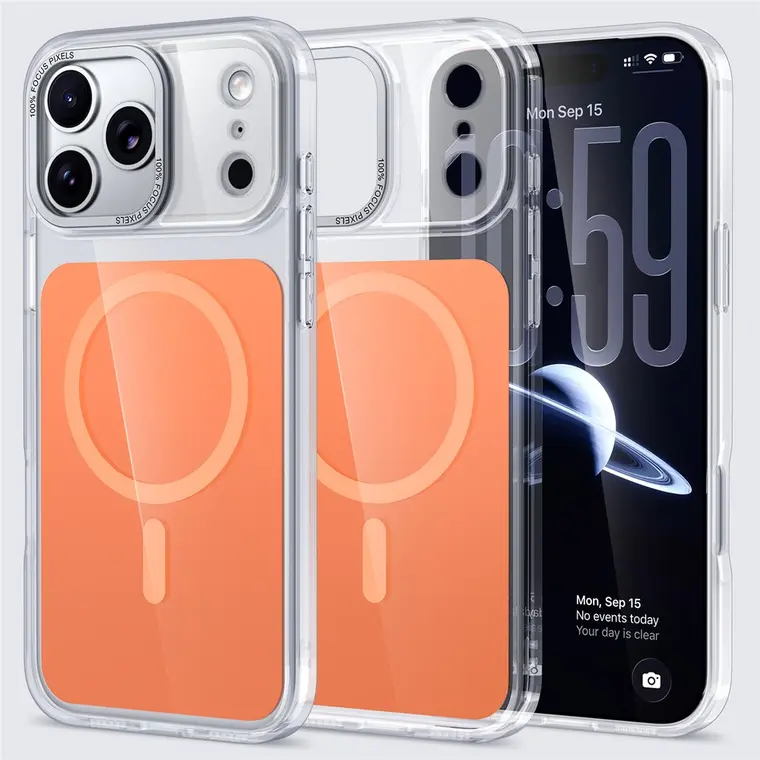
Write down the product reference, device model, case color and quantity for each version. Cases for related phones may have different camera openings and printable areas. Ask whether one artwork layout can be adapted or whether each variant needs a separate proof. State whether the design belongs on the back, sides or packaging. If you have a deadline, distinguish the date you need to receive the goods from the date you can approve the artwork.
Supply a readable reference
Use the inquiry upload for a clear JPG, PNG or WebP reference within the displayed size limit. A reference image helps explain the design, but it is not automatically production-ready artwork. Keep the original editable files available and ask which final format is required for the chosen process. Do not enlarge a small screenshot and assume that it contains more detail. Identify any text, fine lines or small symbols that must remain readable.
Define size and placement
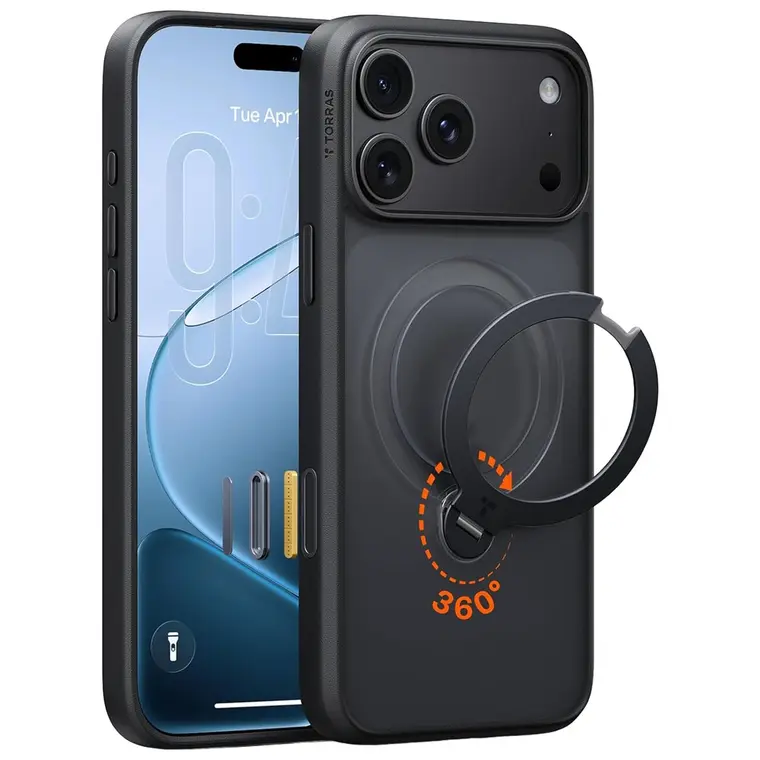
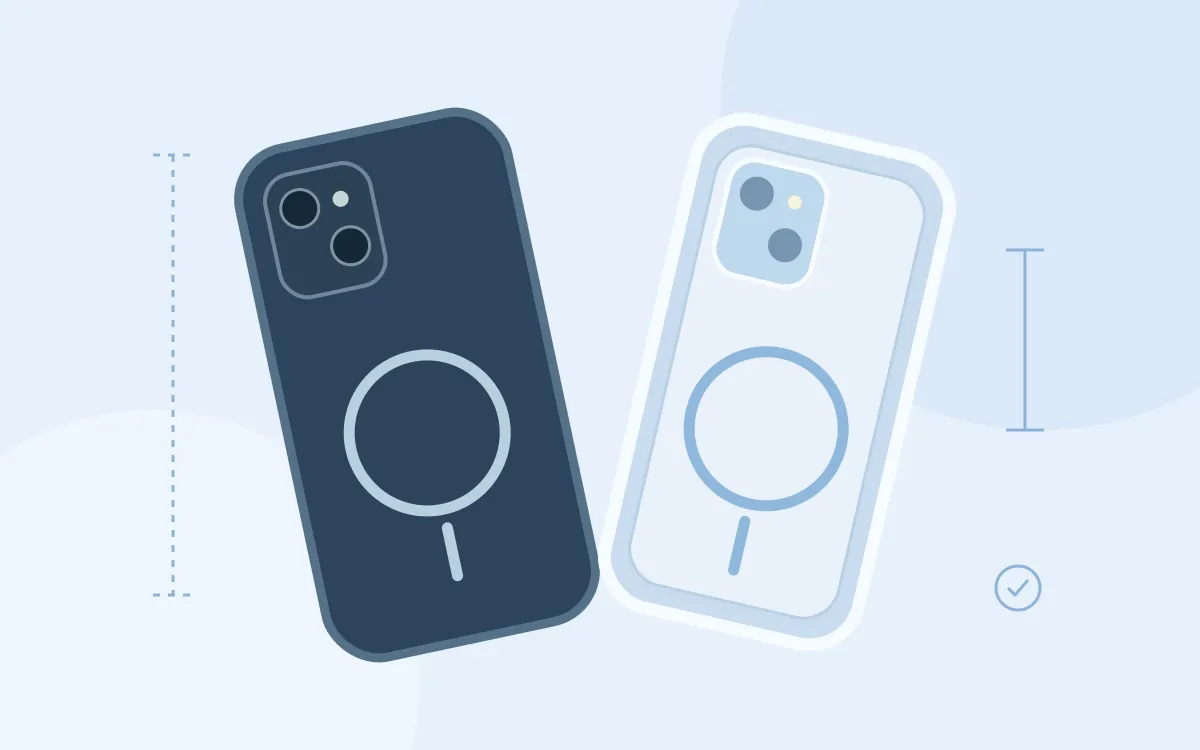
Describe the intended width, orientation and position of the artwork relative to the case. Ask for the printable template, safe area and any required bleed instead of guessing measurements from a product photograph. Keep important elements clear of camera holes, curves, seams and other interruptions. If the case has a ring, stand or texture, ask how it affects the printable surface. Request a separate placement view for each materially different device shape.
Explain color and background
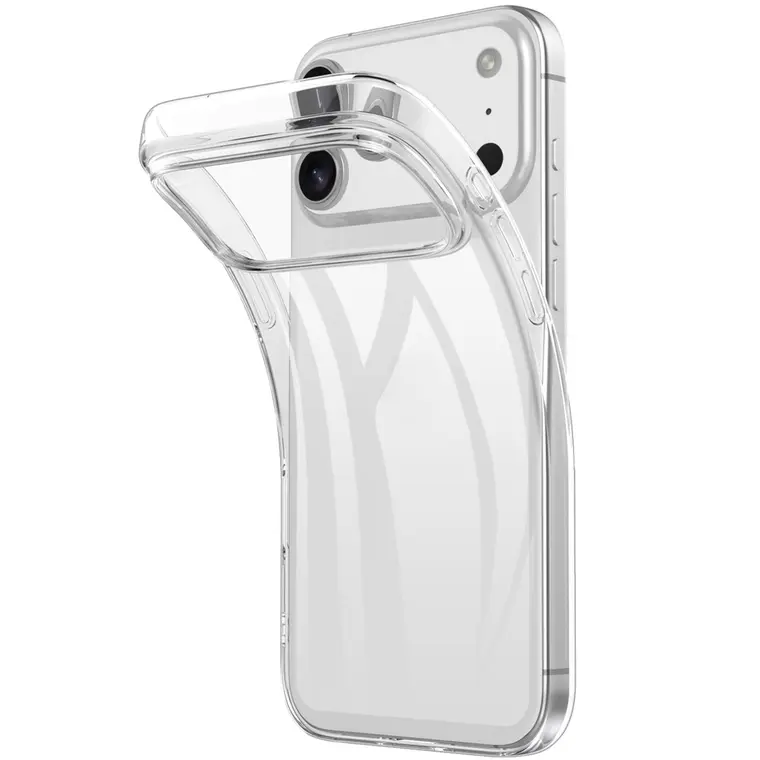
State whether a background should remain transparent, match the case or print as part of the design. Describe critical brand colors using the reference system your artwork uses and ask what the process can reproduce. Screen color is not a physical color approval. A dark or transparent case may require different preparation from a light opaque case. Ask whether any base layer, finish or setup charge is part of the proposed quotation, without assuming availability.
Agree the approval sequence
Ask what the proof will show and what it cannot demonstrate. A digital layout can confirm spelling and placement, while texture, feel and actual color may need a physical sample if available. Confirm sample cost and timing before proceeding. Check every variant, orientation, spelling and quantity on the approval record. Keep the approved version clearly named so an older draft is not mistaken for the final file. Discuss how later changes affect cost and schedule.
Finish with a complete brief
Confirm that you have permission to use the submitted artwork and brand elements. Include the destination, packaging preferences and whether mixed device variants are needed. Ask for separate confirmation of minimum quantity, decoration method, unit quotation, setup costs and estimated lead time. The inquiry is a request for a proposal, not an online payment or production authorization. Order approval should refer to the final specification and artwork version, with outstanding questions resolved in writing.